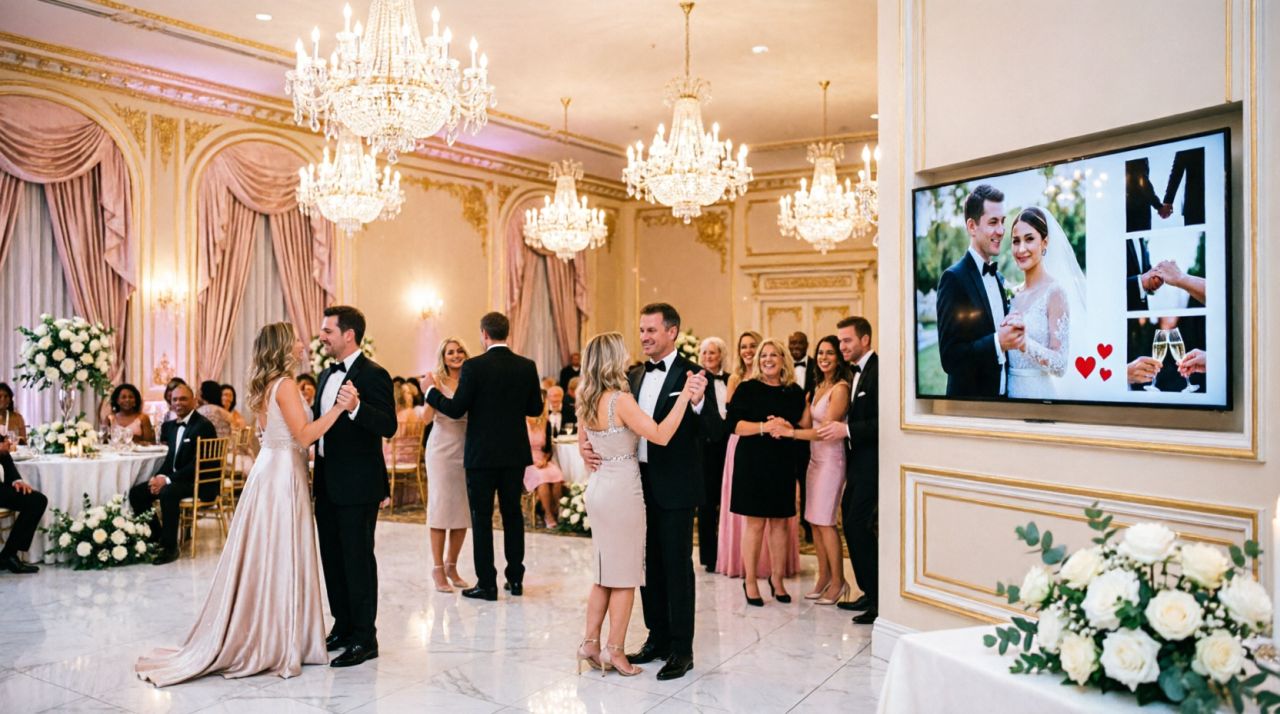
Want an easy way to turn your wedding, party, or corporate event into a buzzing, interactive experience? Combine a live videowall with a simple voting mechanic and watch guests become participants instead of spectators.
Why a videowall works
A large screen showing the latest guest photos brings energy to the room. Guests love seeing themselves pop up in real time — it's social validation, conversation fuel, and a live highlight reel all at once. Videowalls create shared moments: laughter, applause, and instant conversation starters that make any event feel more electric.
Why add voting?
Voting turns passive viewing into playful competition. Let guests vote for categories like “Most Romantic”, “Funniest”, or “Best Dance Move.” Voting increases engagement, keeps people near the action longer, and gives you great micro-events to punctuate the night (e.g., announce winners between courses or before the first dance).
How to set it up in 5 simple steps
- Create a live gallery: Make a Pixiot gallery for your event and enable the live slideshow.
- Display the videowall: Connect a laptop to a TV or projector and open the live slideshow. Loop it between program segments or keep it on quietly in a corner.
- Make uploads effortless: Put QR codes on tables, menus, and signage so guests can scan and upload instantly—no app download required.
- Enable voting: Use the gallery’s built-in voting feature (or a simple web poll) and show live vote tallies on the videowall so the competition plays out visually.
- Award small prizes: Announce winners with a short shout-out and a small prize or a dance-floor moment to reward participation.
Placement & timing tips
Place the screen where it’s visible but not blocking traffic. Short voting windows (5–15 minutes) work best—announce them ahead of time so people know when to join. Use the videowall to bridge slower moments (cocktail hour, between speeches) and to punctuate high-energy moments (after the first dance or during dessert).
Moderation & privacy
Turn on simple moderation to filter inappropriate uploads, and remind guests how images will be used. If you want more control, set uploads to private approval and release selected photos to the videowall manually.
"We put the slideshow on during dinner and added voting for 'funniest photo'—suddenly everyone was comparing shots and the dance floor never emptied. The videowall made our reception feel alive."
Videowalls plus voting make events more social, playful, and memorable. They turn phones from isolation devices into participation tools and give you a stream of candid moments you won’t see in formal photos.
Want to try it? Create a live gallery, enable the slideshow and voting, and test the videowall at your next event—no setup headaches, just instant fun.
← Back to Blog